For landscapers
A landscaping invoice app for the weekly round
A landscaping invoice app spends most of its life repeating itself: the same twelve properties, the same visit, every week through the season. Invoice One makes the repeat two taps and keeps the one-off work — the spring clean-up, the planting, the retaining wall — where it belongs, as an estimate the customer accepts before you start.
Last week's invoice, this week's date
Duplicate the visit and the lines, the prices and the property are already in it. A round of a dozen gardens is a morning of duplicates rather than an evening of typing.
Quote the big jobs before the mower comes off the trailer
A clean-up or a planting plan is quoted. Send the estimate, let the customer accept it, and convert it to the invoice when the work is done — the same lines, and a link between the two documents.
The yard, photographed
Before and after is the whole sales pitch of this trade. Attach the pictures to the invoice with a caption each and they print after it, so the customer who only sees the bill also sees the work.
A property per client, priced once
Keep the client with their address and what you charge them, and every invoice for that property starts from what you agreed. Saved items hold the prices for mowing, edging and hauling so they are picked, not remembered.
Paid without a trip to the bank
Print a payment link and a QR code on the invoice, or record the check when it arrives. Either way the balance on the job is right, and the list of who has not paid is the list you actually work from.
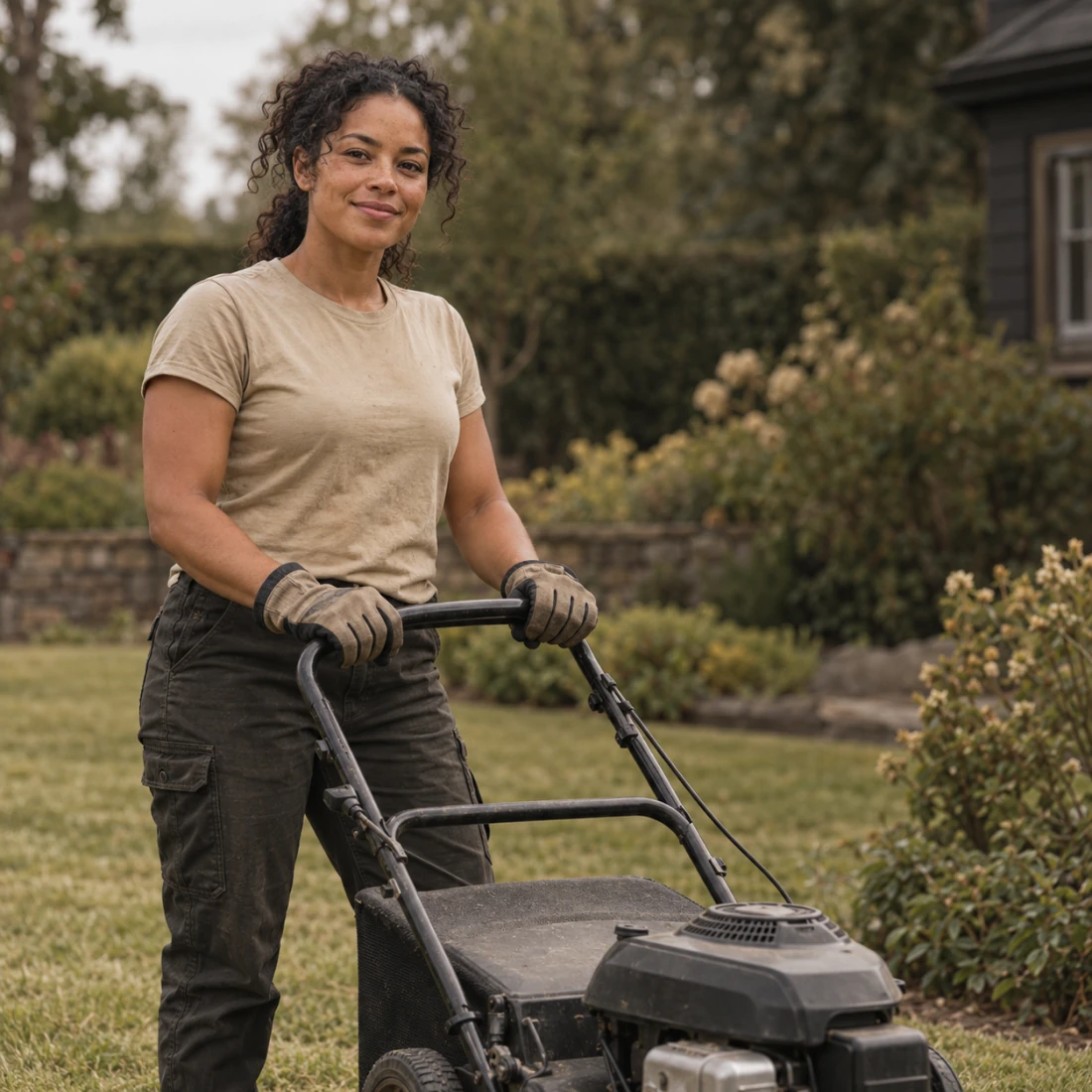

A landscaping invoice app for the weekly round
#0077
For landscapers
Last week's invoice, this week's date
Duplicate the visit and the lines, the prices and the property are already in it. A round of a dozen gardens is a morning of duplicates rather than an evening of typing.
A landscaping invoice app for changes to the usual visit
A landscaping invoice app should show when a visit differs from the regular round, such as extra hauling or new planting alongside the usual mowing. Describe the additional work on its own line and give materials their quantities. A customer reading a larger bill can then see which part belongs to the usual visit and which part was added. For a seasonal job, state the period and the work included in the description rather than relying on the invoice date alone.
Invoice One lets you edit the lines of a duplicated invoice before sharing it. The copy receives a new number and date, and the previous visit’s payments are not copied. Notes can explain a change to the agreed work, while a fixed or percentage discount applies to the whole document. When a customer pays for only part of the bill, record that amount against this invoice and leave the rest outstanding.
Features
Invoices that look like you sent them
Create invoices: pick a client, add what you did, send. The document that lands in their inbox is a real A4 PDF with your logo at the top — not a link to someone else’s website.
Send estimates, get them accepted, bill them
A job usually starts with a number, not an invoice. Invoice One writes that number as a proper estimate, tracks the answer, and turns the yes into an invoice without you typing anything twice.
Your clients, and what each one owes
Add a client from your Contacts in two taps, and see everything about them in one place: what they owe, what they have paid, and every invoice and estimate you have written for them.
Track invoice payments, down to the cent
Record invoice payments as they land — in full or in part, with the method and the date. The balance follows by itself, and the home screen adds it all up. Nothing has to be set by hand: the invoice knows when it is settled and when it is late.
FAQ
Can I bill the whole season at once?
Invoice it as a single line for the season, or invoice per visit and duplicate. Both are a few taps; there is no recurring billing that runs on its own.
Can I keep different prices per property?
Yes. Save the prices you charge as items, and the client record keeps the address they belong to.
Can I send the invoice from the truck?
The PDF is made on the phone and shared from it, so the only thing you need is a way to send it.