 Invoice One
Invoices & estimates
Invoices that look like you sent them
Pick a client, add what you did, send. The document that lands in their inbox is a real A4 PDF with your logo at the top — not a link to someone else’s website.
Everything an invoice needs
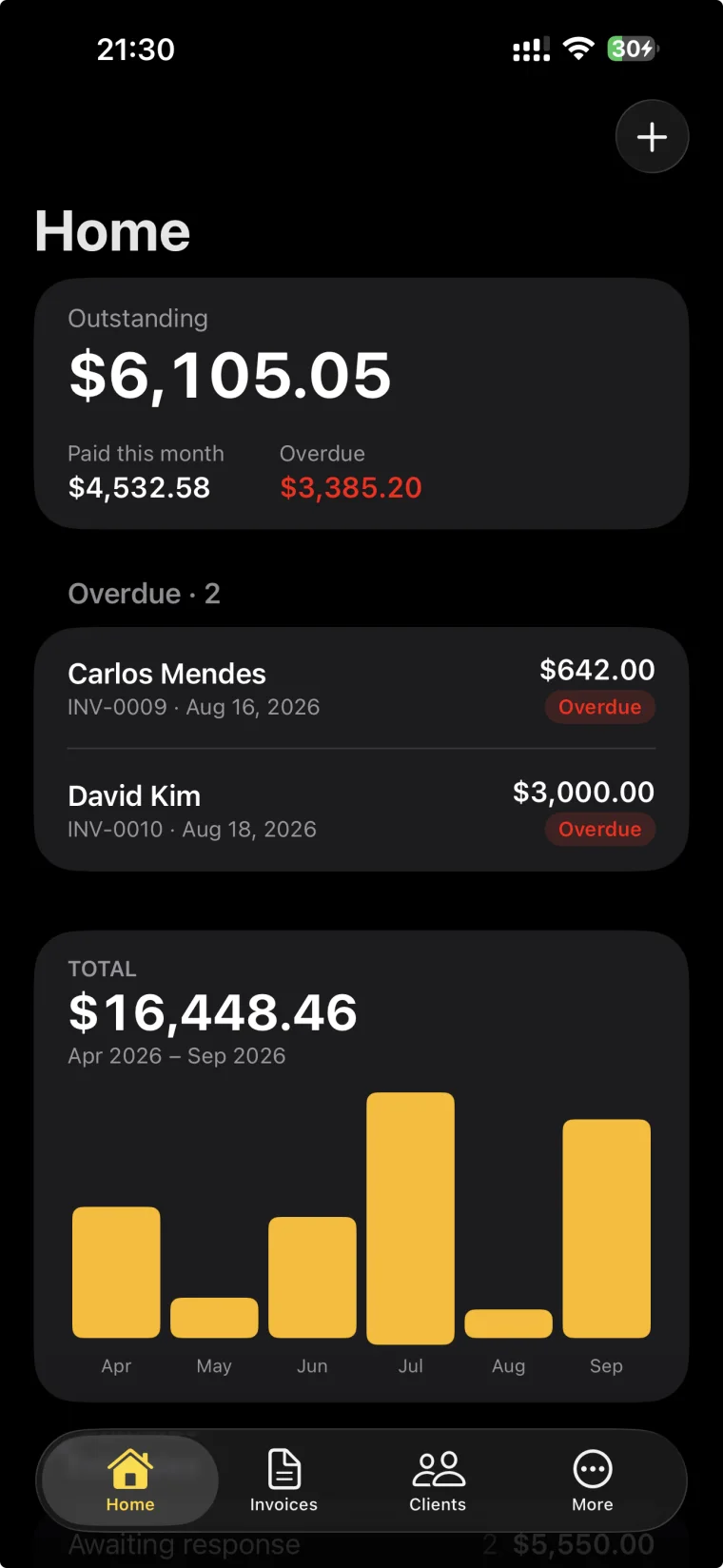
Your details and the client’s, the line items with quantity and price, tax, notes and payment instructions. The number is given automatically and the dates follow the terms you picked.
Made on the phone, not in a cloud
The PDF is produced on the device and shared through anything iOS can share to, so an invoice can leave a van with one bar of signal.
Send your first invoice today
Free to start, and no account needed to try it.
Invoices & estimates
20 templates, always A4
Swipe through live previews and pick one per document, not just per account.
Your logo and your color
Put your mark at the top and set the accent that runs through the page.
Signed on site, with photos
Hand the phone over for a signature and attach the photos that prove the work. Both print with the invoice.
Send anywhere
A real PDF through Mail, Messages, WhatsApp — anything iOS can share to.
Estimates that become invoices
Send a quote, mark it accepted or declined, convert it in one tap.
Terms and due dates
Net 7, 14, 30 or a date you pick; overdue documents mark themselves.
FAQ
- Do I need an account?
- No. You can start as a guest and send your first invoice straight away. Signing in with Apple keeps your data if you change or lose your device.
- Is it really free?
- Yes. You can create unlimited invoices, estimates, clients and products, and record payments, without paying anything. The free plan sends 3 documents a month; Pro removes that limit.
- Is there an Android version?
- Not yet. Invoice One is made for iPhone, on iOS 26 and up.