For HVAC
An HVAC invoice app for service calls and installs
An HVAC invoice app has two jobs that look nothing alike: a twenty-minute service call in August, and a system install that is quoted, deposited and finished weeks later. Invoice One does both — the quick one as an invoice written on the driveway, the long one as an estimate that becomes an invoice with the deposit already recorded against it.
Quote the install, deposit it, invoice the balance
Send the estimate for the system. When it is accepted, convert it to the invoice in one tap, record the deposit against it, and the balance due is what remains. The customer sees both numbers on the same document.
Equipment and labour, told apart
The condenser, the line set and the eight hours sit on their own lines. Tax the equipment and leave the labour alone where your state says so, and the invoice comes out the way your accountant expects it.
The maintenance visit, duplicated
Spring and autumn visits are the same invoice with a different date. Duplicate the last one and the lines, the prices and the client are already there.
Photos of the unit you found
The state of the coil before you cleaned it is an argument you only win with a picture. Attach it with a caption; it prints after the invoice, and the customer who queries the bill answers their own question.
Signed while the system is still running
Take the signature for the completed work on the phone before you leave. The name and date print on the document, and the job is closed on site rather than in an email three days later.
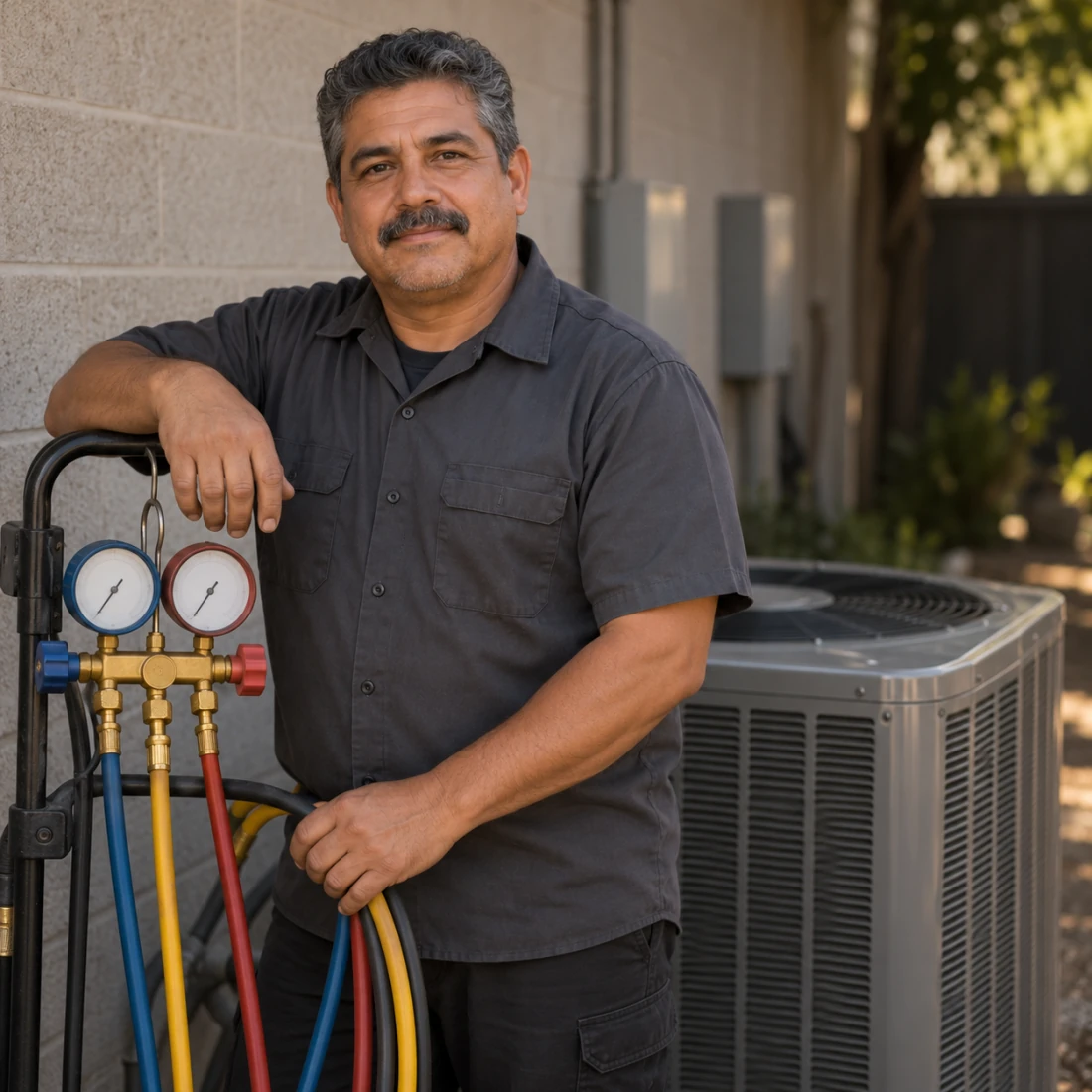

An HVAC invoice app for service calls and installs
#0077
For HVAC
Quote the install, deposit it, invoice the balance
Send the estimate for the system. When it is accepted, convert it to the invoice in one tap, record the deposit against it, and the balance due is what remains. The customer sees both numbers on the same document.
An HVAC invoice app that identifies the unit serviced
An HVAC invoice app should identify which unit was serviced and what the visit covered, especially at a property with more than one system. Put the model or location in the description, then name the inspection, cleaning or replacement work you are billing for. A routine visit and an additional repair need distinct descriptions even if they happen on the same day. This gives the next reader a record of the particular visit rather than a generic service charge.
Invoice One prints item descriptions and notes on the PDF, so equipment details can sit beside the work charged. Saved products and services hold descriptions and prices for tasks you repeat. When you duplicate a previous maintenance invoice, its payments and paid status stay behind; the copy starts as a draft with a new number and date. Review the equipment details and quantities before sending it for the next visit.
Features
Send estimates, get them accepted, bill them
A job usually starts with a number, not an invoice. Invoice One writes that number as a proper estimate, tracks the answer, and turns the yes into an invoice without you typing anything twice.
Track invoice payments, down to the cent
Record invoice payments as they land — in full or in part, with the method and the date. The balance follows by itself, and the home screen adds it all up. Nothing has to be set by hand: the invoice knows when it is settled and when it is late.
Invoice signatures and photos of the work
Collect invoice signatures on the spot by handing the phone over, and put the photos that prove the work on the same document. Both print with the invoice, so the paperwork is finished before you leave the site.
Your clients, and what each one owes
Add a client from your Contacts in two taps, and see everything about them in one place: what they owe, what they have paid, and every invoice and estimate you have written for them.
FAQ
Can I invoice a maintenance plan?
Invoice each visit and duplicate the last one, or invoice the season in advance as a single line. The app does not run a subscription for you.
Can I record a deposit before the work starts?
Yes. Record the payment against the invoice and the balance due follows it down.
Does it print the equipment model?
Put it in the line description or the notes; both print on the PDF.